
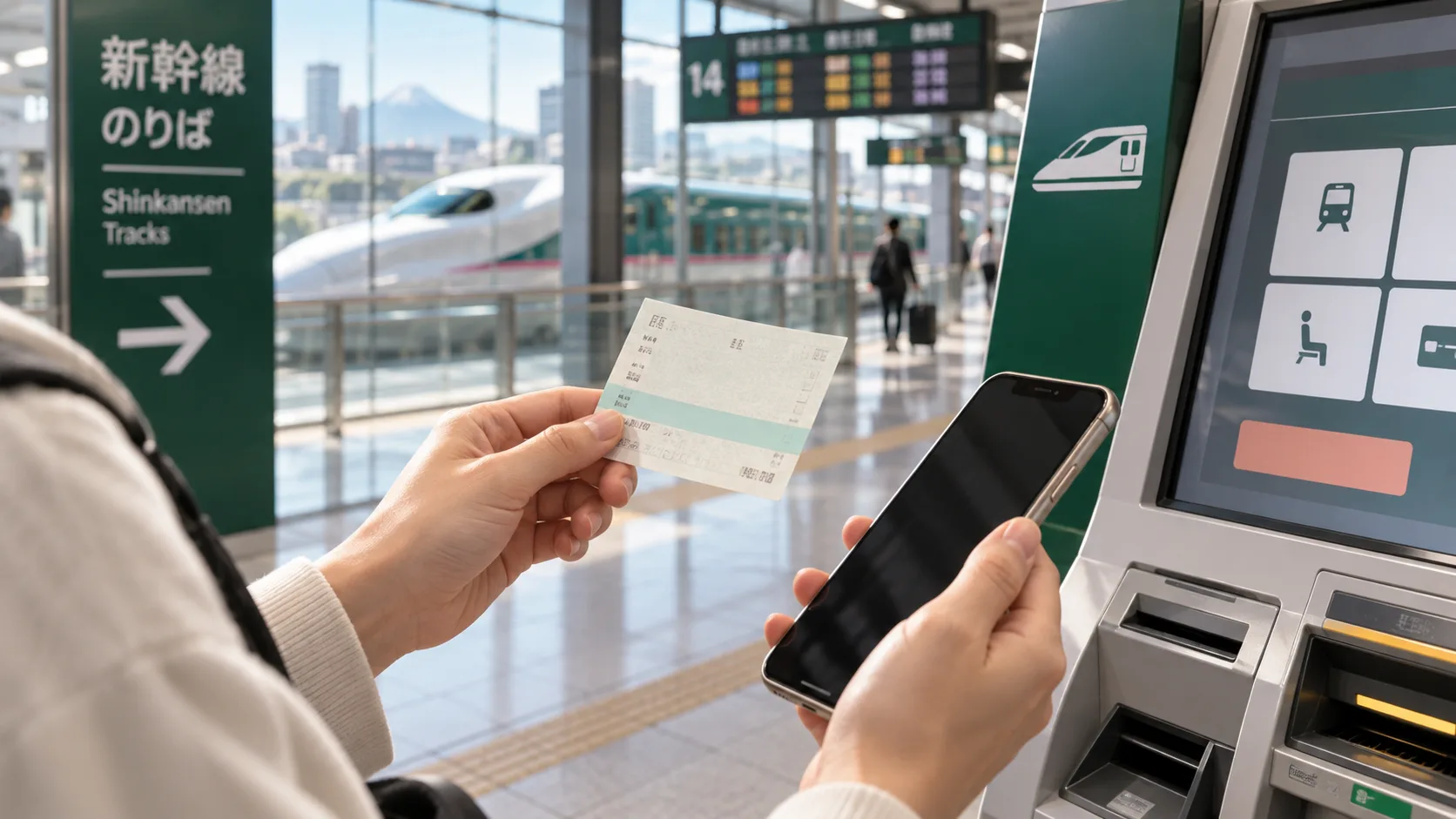
You can buy Shinkansen tickets through supported online booking services, railway reservation websites, and station ticket offices or machines. The right option depends on your route, the ticket format you can use and how much help you need. Start with your stations and travel date before comparing prices.
Choose the exact departure and arrival stations
For Osaka, most bullet trains use Shin-Osaka. For Fukuoka, search Hakata. Tokyo and Shinagawa are separate boarding points even when a train serves both. Check the whole journey from your hotel, including local trains at each end. The Shinkansen route map helps identify which railway corridor you need.
Compare online booking and station purchase
Online booking is useful for comparing departures before travel and arranging a seat request. A station purchase can suit flexible plans, but queues and sold-out departures can limit your options. Railway websites and booking agents may support different routes, languages, payment methods, collection locations and refund procedures. An airport-train or rail-pass product should not be assumed to be available through a Shinkansen booking form.
Check what the total price includes
Compare the same train, class, reservation type and passengers. A Shinkansen journey generally needs a base fare and a limited-express component, which may be bundled into one product. Include service charges and currency conversion when comparing checkout totals. A lower headline number is not useful if it omits part of the journey. See the ticket price breakdown for the main components.
Understand when a reservation is confirmed
Standard JR reserved-seat sales normally open at 10:00 Japan time one month before travel, with calendar exceptions. Some operator products accept bookings earlier under separate conditions. A website accepting an advance request does not necessarily mean it has assigned the final train and seat. Read the product’s release and confirmation terms. On JpRail, payment and ticket issuance are separate stages; use the secure order to check the result.
Book for the whole group
Enter all passengers together and check child ages under the selected fare rules. Request adjacent seats, a window or a compatible luggage arrangement before payment when supported. A preference is not a guarantee until the relevant seat is confirmed. For families, the children’s travel guide explains separate seats and stroller planning.
Prepare for the gate and for changes
Read the issued boarding instructions: a collection QR code is not automatically a gate-entry QR code, and not every ticket can be linked to an IC card. Save the documents offline and allow time for collection if required. Before paying, check change deadlines and refund conditions, especially when connecting from a flight. Use the boarding guide and changes and refunds guide to prepare.